Glanceable
Today’s workout and week context, without digging through menus.
Now on the App Store · 1.2 · Phone or Watch
Adaptive training from Apple Health. Start outdoor runs on iPhone with GPS and Live Activity, or from Watch Workout → Scheduled. Free core for the full race block. Optional Pro for daily coaching. No chat. Just run.
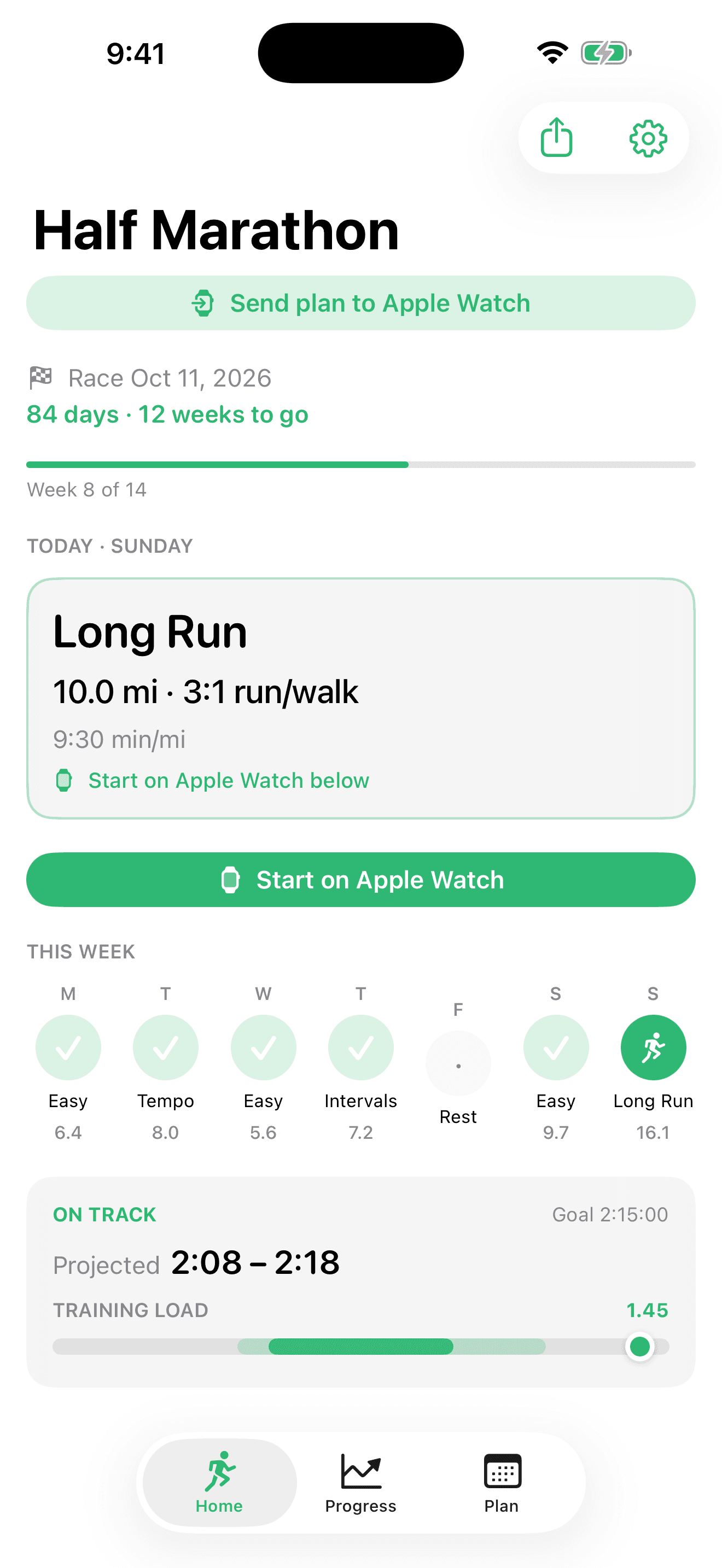
Today’s workout and week context, without digging through menus.
Set a goal once. The plan adapts from real training data — no chat threads.
iPhone GPS runs with Live Activity, or Watch Scheduled via WorkoutKit.
Today at a glance
Distance, guidance, and your week in one calm view — start on iPhone GPS or from your Watch when paired.
Outdoor iPhone GPS
Start outdoor runs with GPS, map, and Live Activity metrics — no Watch required to record.
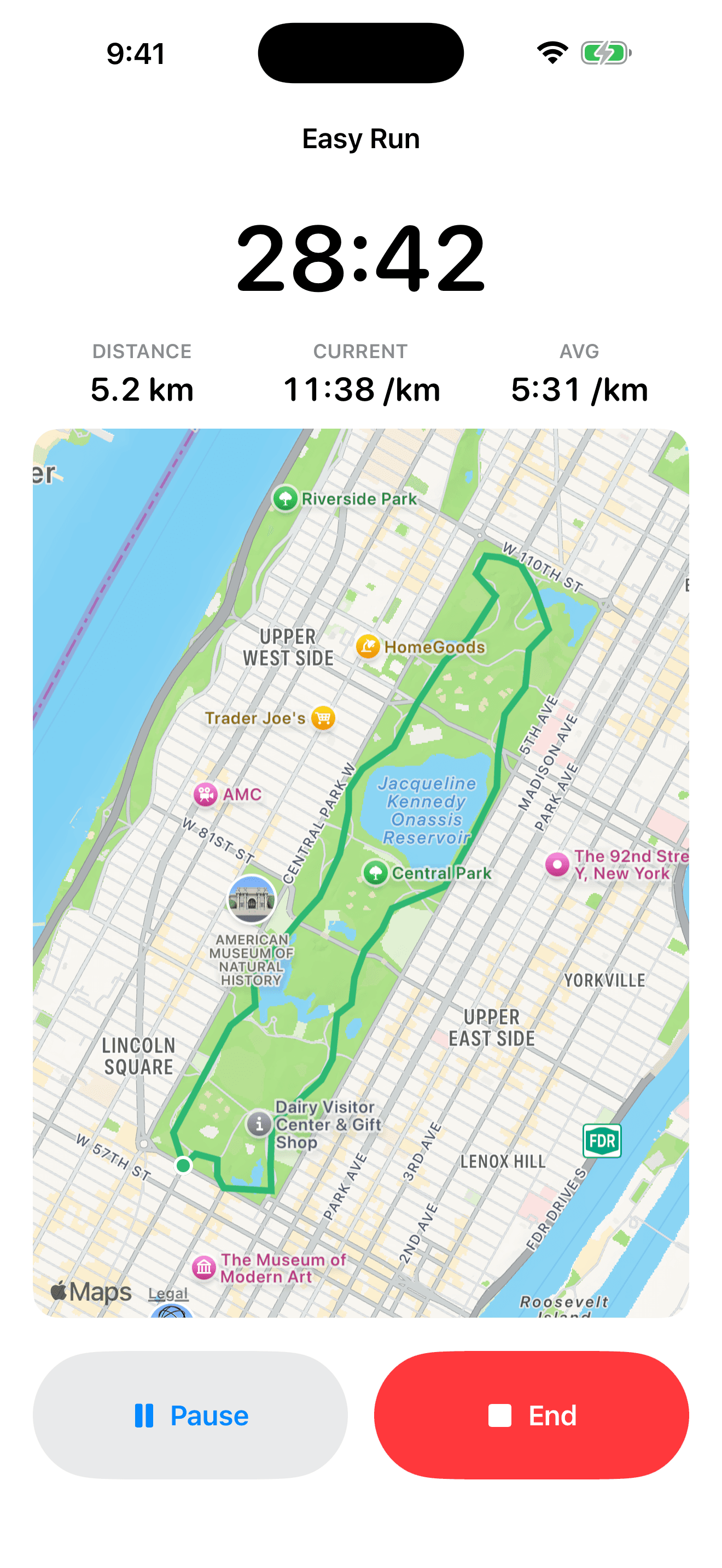
iPhone or Watch
Outdoor GPS runs on iPhone (Live Activity on Lock Screen), or plan sessions under Workout → Scheduled on Apple Watch.
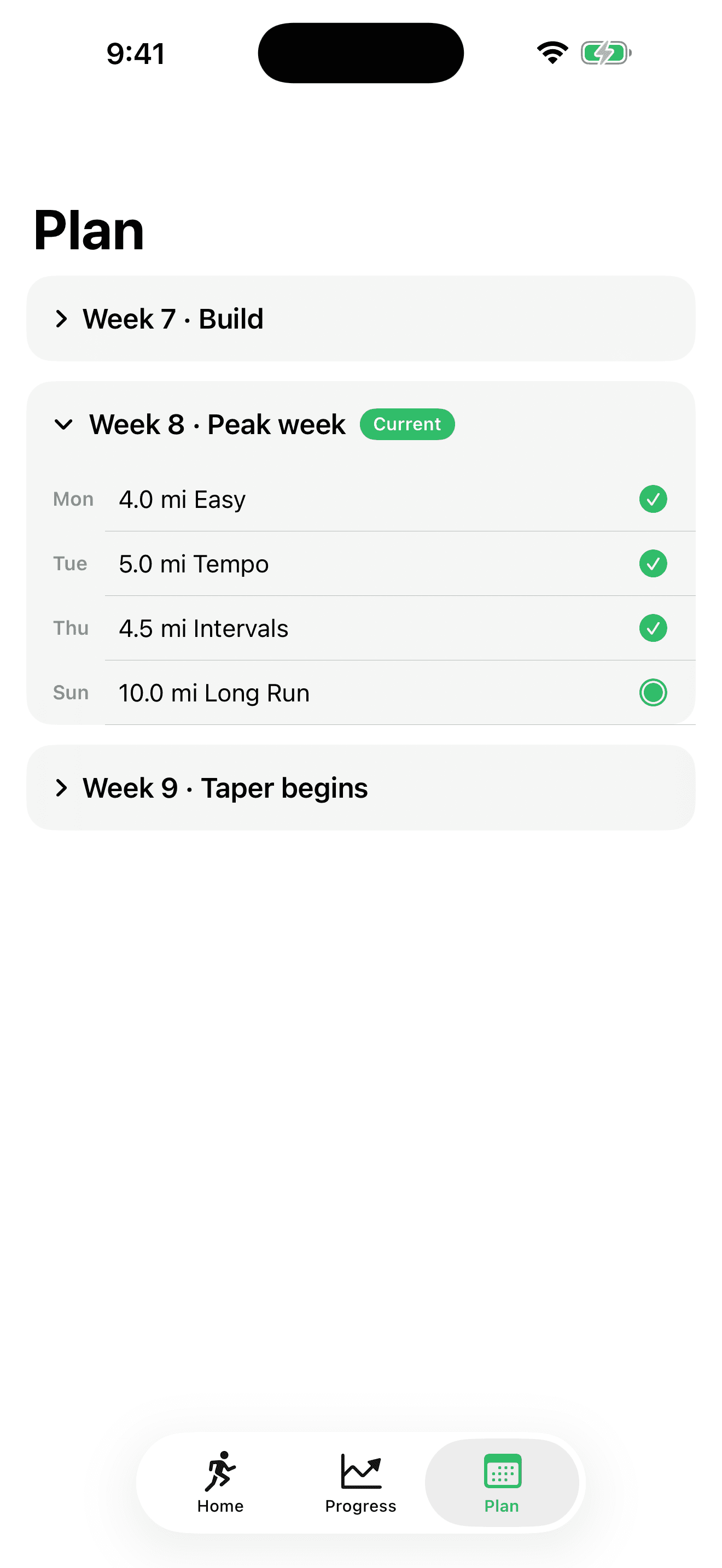
Adaptive coaching
Optional AI reviews adjust from your runs, sleep, and load signals. Prefer offline? Keep a full local plan with zero server traffic.
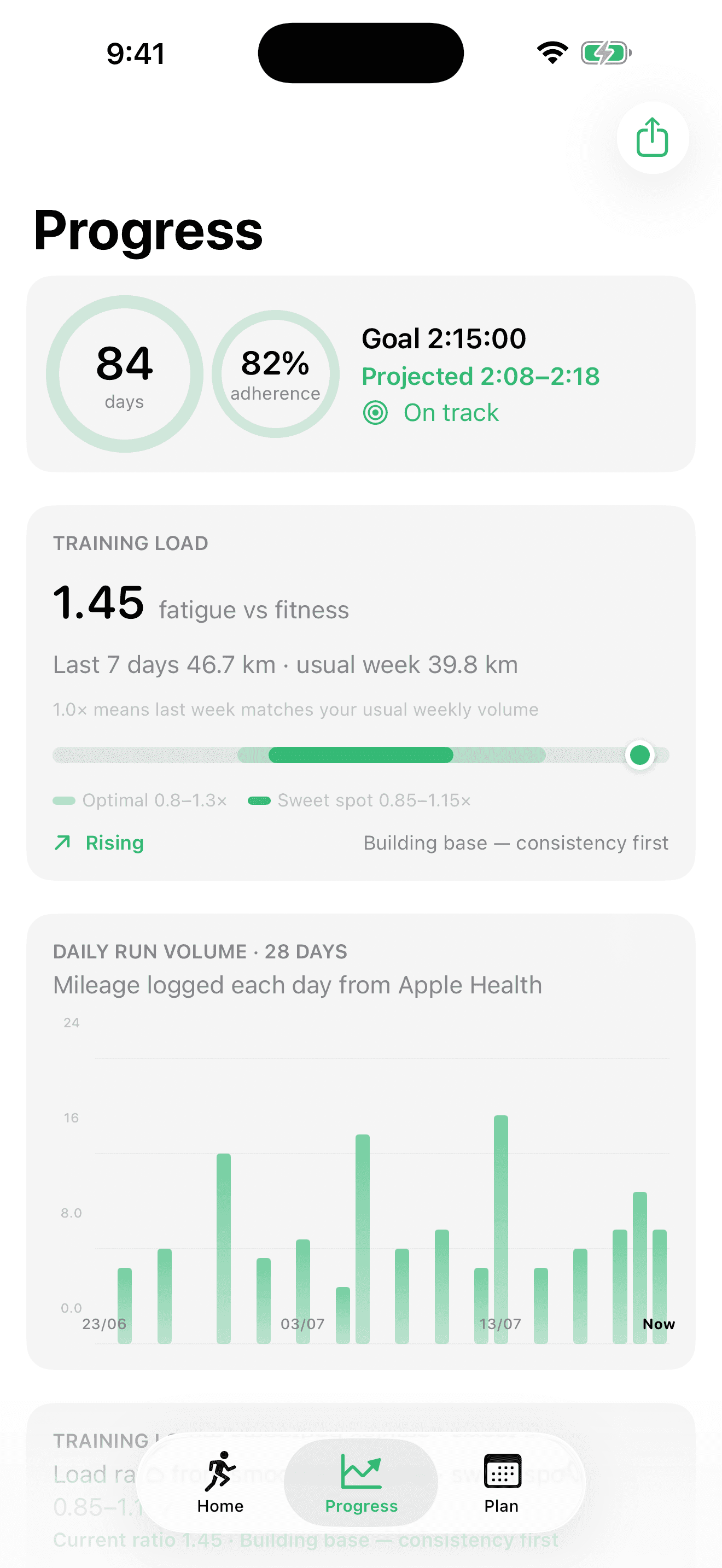
Share
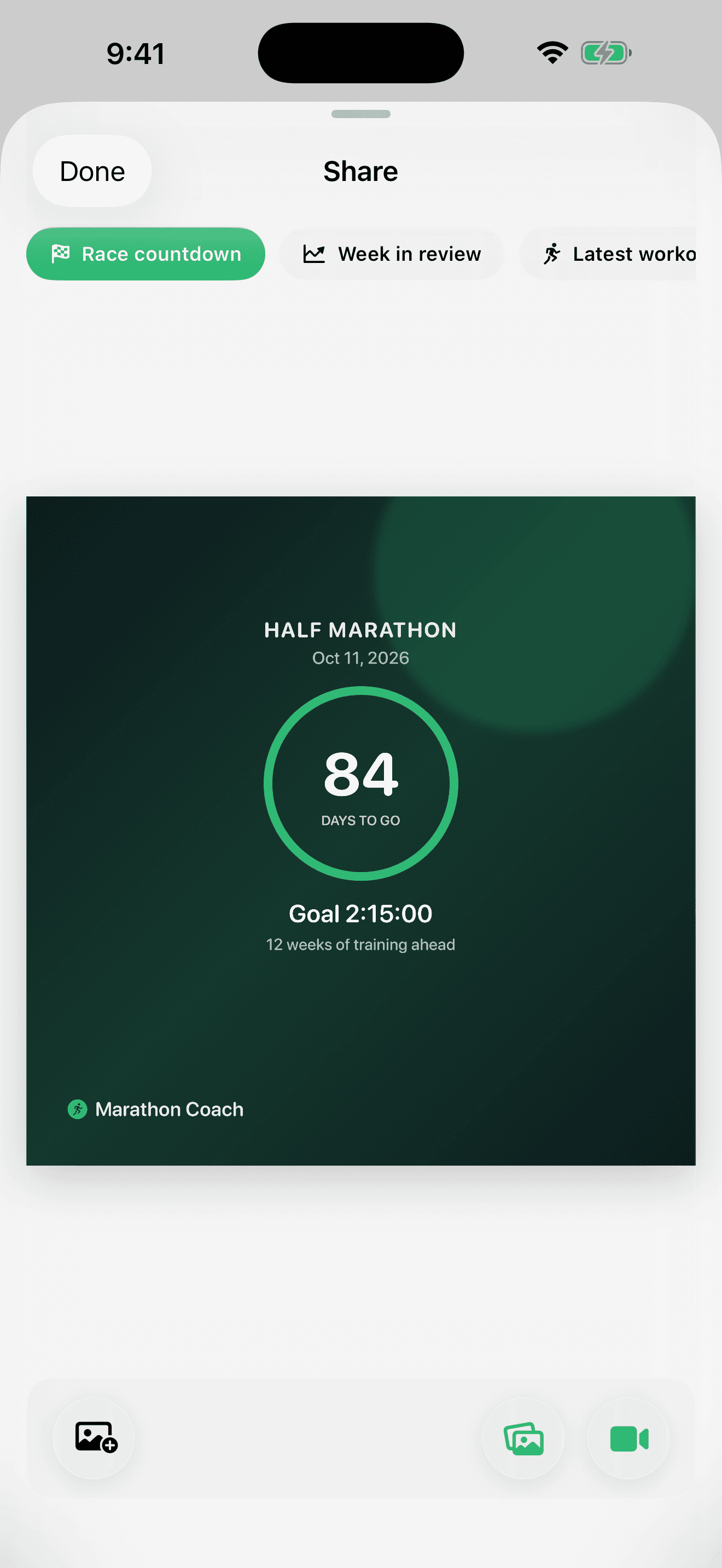
Export race countdown, week in review, or your latest workout as Stories-ready cards — photo square or 10s video 9:16.
How it works
Four simple steps. No coaching chat required.
Race, target time, and training level — about two minutes.
Workouts, sleep, heart rate, and load personalize your plan.
Start outdoor runs on iPhone GPS (Live Activity on Lock Screen), or open plan sessions on Watch → Workout → Scheduled.
Free: weekly plan reviews when you open the app. Pro: daily coaching, recovery tweaks, and background refresh.
Free core · optional Pro
Download free and train a full block. Upgrade to Pro in the app when you want daily coaching on top of the weekly loop — same paywall path as Settings → Subscription.
Free core · no subscription required
Goal to race day in one loop: outdoor iPhone GPS runs, Health-aware plans, Watch Scheduled, and weekly AI reviews — built for runners who want coaching without the chat.1 See footnote 1
Optional upgrade · available now
You already train with the free coach. Pro is for when recovery and daily load should move the plan — not just once a week. Subscribe in the app; cancel anytime through Apple.2 See footnote 2
Adaptive plans from Apple Health. Workouts on Apple Watch. Free core for the race — Pro when you want daily coaching. Download on the App Store.
Download on theApp StoreFAQ
Download Marathon Coach from the App Store on iPhone. Requires iOS 17+ and a paired Apple Watch (watchOS 10+) for scheduled Watch workouts.
It is autonomous and works on iPhone GPS or Apple Watch Scheduled. You set a race goal once; the app builds and adapts your plan from Apple Health — no chat coach, no spreadsheet.
No. Marathon Coach is autonomous — you set your goal once and the app adapts your plan from your training data. There is no chat interface.
Yes. Plans sync to the native Apple Watch Workout app via WorkoutKit. Workouts appear under Scheduled on watchOS 10+. Re-send weekly to refresh the 7-day horizon. You can also start outdoor runs on iPhone GPS without a Watch.
Pro is an optional auto-renewable App Store subscription (available since version 1.1). Free includes your race plan, outdoor iPhone GPS runs with Live Activity, Health sync, Watch Scheduled workouts, weekly AI review when you open the app, and share cards. Pro adds daily AI reviews, recovery and post–key-workout adjustments, background plan refresh when entitled, and post-run pace zone estimates (not HR or medical zones). Subscribe or restore in the app (Settings → Subscription or the Home Pro card). No separate account is required — Apple handles payment and shows pricing for your region.
Onboarding, local or AI initial plan, outdoor iPhone GPS runs with Live Activity, Apple Health, Watch export, weekly AI plan review (app open, free cadence), and share cards. You never need Pro to run a full training block.
In the app: Settings → Subscription → Marathon Coach Pro, or the Home Pro card. That opens the multi-step paywall (benefits, then pricing). Purchase and Restore use your Apple ID. Manage or cancel anytime in Apple ID → Subscriptions — we never take a separate payment method.
With your permission, we read workouts, heart rate, sleep, and related metrics from Apple Health. AI coaching sends summarized metrics only — never raw GPS tracks.
Marathon Coach is designed for iPhone. It is not optimized for iPad in the current release.
Enable iCloud backup in Settings to restore your training plan and goal after reinstalling. Health workouts remain in HealthKit on your device.
No. Marathon Coach provides training guidance only. Consult a physician before starting or changing any exercise program.